
Christmas technology gifts might include headphones, a portable charger, an e-reader or a smartwatch. Choose around the recipient’s needs and check compatibility, support, privacy settings and ongoing costs before buying.
Christmas technology gifts can be useful when they suit the person receiving them. This guide explores types of gadgets and practical buying considerations; it is not a tested ranking or a prediction of this year’s best-selling products.
Gadget ideas to consider for Christmas
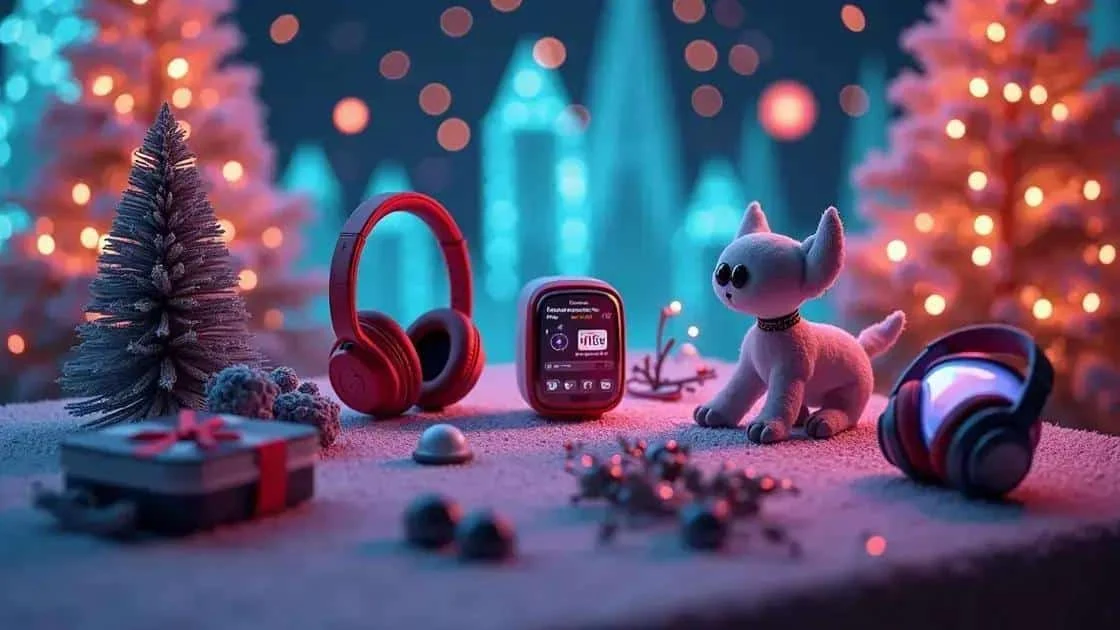
Looking for Christmas gadget ideas starts with the recipient’s routines and interests. An item that solves a familiar problem may be more useful than something bought simply because it is new.
Practical electronic accessories
Wireless headphones may suit someone who enjoys music or podcasts. A portable charger can also be useful away from a socket. Check device compatibility, charging requirements and product quality before choosing either.
Smart home devices
Voice-controlled speakers can offer functions such as playing audio or controlling compatible devices. Features depend on the model, services and region. Ask whether the recipient wants an internet-connected microphone at home and check account, subscription and security-update requirements.
Activity tracking and everyday comfort
A smartwatch may offer activity information and notifications, depending on the model; it is not a substitute for medical assessment. A connected fragrance diffuser is another optional gadget, but scents do not suit every household and should not be presented as a health treatment.
Technology-related gifts for children
Programmable robots can introduce coding activities, while suitable science kits offer practical projects. Follow age guidance, supervision instructions and online-privacy requirements, and check ongoing app or account costs with a parent or carer.
Consider energy use and product life
When looking at lower-impact gadgets, check durability, repair options and likely use. Solar chargers depend on conditions and may not meet everyday charging needs. LED lights can use less electricity than comparable older lighting, but buying a new device is not automatically an environmental benefit.
Technology gifts for different interests

Technology gifts for different interests range from reading devices to audio accessories. There is no gadget everyone wants, so check preferences before making a costly purchase.
Smartphones
A smartphone may be a welcome upgrade if the recipient needs one. Compare useful features, compatibility, repairability and the remaining support period rather than assuming the newest model is necessary. Include any contract or accessory costs.
Tablets and e-readers
Tablets can support reading, viewing and other activities, depending on the device and apps. An e-reader may suit a keen reader. Check supported formats, book-store accounts, accessibility and content costs before buying.
Bluetooth headphones
Bluetooth headphones can remove the need for an audio cable, but comfort, sound and battery life vary. Noise cancellation is model-dependent. Consider fit, controls, listening habits and compatibility rather than relying on a feature label alone.
Augmented reality devices
Augmented reality devices can combine digital information with a view of the surroundings. They are specialist purchases rather than universal gifts: check intended use, supported software, fit, age guidance and the full cost of any required equipment.
Wearable accessories
Wearable accessories, such as fitness trackers and smartwatches, may offer activity estimates and phone notifications. Their functions and accuracy vary, and owning one does not guarantee improved health or fitness.
Choosing a suitable technology gift

Choosing a suitable technology gift involves more than comparing specifications. Consider what the recipient wants, what they already use and what they would need to maintain the new device.
Understand the person’s interests
A music listener might appreciate suitable headphones, while someone with an ageing phone may need a compatible smartphone. Ask first where preferences, operating systems or an expensive purchase are involved.
Consider age and daily routines
Some children may enjoy suitable technology toys, while some adults may prefer smartwatches or home devices. These are possibilities rather than rules based on age; the individual’s interests and any safety guidance matter more.
Research the product
Read the manufacturer’s specifications and independent reviews, checking compatibility, ease of use, repair options and how long security updates will be provided. Reviews can inform a decision but do not guarantee reliability or suitability for a particular person.
Think about practical use
A portable charger might solve a familiar problem. A smart security camera requires more discussion: check whether the recipient wants it, where it would be used, privacy implications, security settings and any storage subscription.
Set a spending limit
Choose a budget before browsing and include accessories, software, subscriptions and delivery. A less expensive device that meets the recipient’s needs may be more appropriate than a premium model with unused features.
Options for a smaller technology budget

Technology gifts for a smaller budget can include basic accessories and simpler devices. Compare quality and total cost carefully; a low price alone does not make an electrical product a good purchase.
Simple headphones
Basic wired or wireless headphones may suit everyday listening. Check connectors or Bluetooth compatibility, comfort and the seller’s returns policy rather than assuming all budget models offer the same quality.
Power banks
A power bank can provide additional charging away from a socket, within its capacity. Buy from a reputable seller and check charging compatibility and instructions; it cannot guarantee that a phone will remain charged all day.
Entry-level smartwatches
Basic smartwatches may provide notifications or activity tracking at a lower price than premium models. Check the exact functions, phone compatibility, battery life, app requirements and data handling before choosing one.
Basic security cameras
An entry-level security camera may offer basic viewing or recording, but features and subscriptions vary. It should be an agreed purchase, with attention to updates, account security and the privacy of everyone affected.
Bluetooth speakers
A Bluetooth speaker can suit someone who wants portable audio. Compare size, battery life and controls. For outdoor use, check the manufacturer’s stated protection rating rather than assuming a portable speaker can tolerate rain.
Adding a personal touch to a technology gift
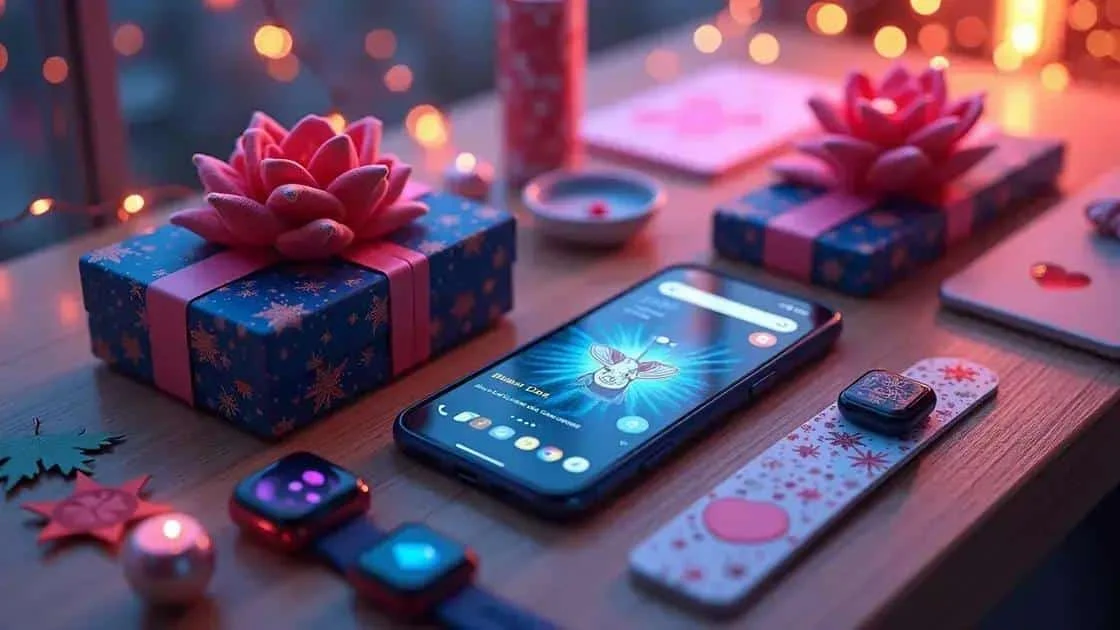
Personalising technology gifts can be as simple as choosing a suitable accessory or adding a handwritten note. Check preferences before making changes that affect returns or the device itself.
Engraving
Some phones, tablets or headphone cases may have an official engraving option. Availability is product-specific. Use an approved service and check spelling, warranty implications and returns terms before ordering.
Personalised cases and accessories
Personalised cases can feature a photograph, message or design. Check the exact device model and access to buttons and ports, and choose a design the recipient would be comfortable using.
Offer help with setup
For smartwatches or voice assistants, offer to help after the recipient opens the gift. Let them control account creation, passwords, permissions and personal data; do not register a device in your own account without agreement.
Pair the device with an activity
An optional coding course or photography workshop might complement an existing interest. Check course requirements, accessibility and dates rather than assuming the recipient wants lessons with their new device.
Include a personal message
A handmade card or short handwritten note can explain why you chose the present. It adds a personal detail without changing the device or creating another ongoing cost.
Making a practical technology gift choice
Choose around the recipient’s interests, existing devices and budget. Check compatibility, support, privacy and ongoing costs before committing to a purchase.
A personal touch can be welcome, but it need not involve engraving or setting up accounts in advance. Ask where preferences are important and keep the recipient in control of their device.
A useful, manageable gift is a better aim than keeping up with every new release. There is no need to overspend to make the present feel thoughtful.
Frequently asked questions about Christmas technology gifts
What types of technology gifts could I consider?
Headphones, portable chargers, e-readers and wearables are possibilities. The best choice depends on the recipient’s needs, preferences, existing devices and budget.
How can I personalise a technology gift?
Consider a compatible case, an official engraving option where available or a handwritten note. Offer setup help with permission and let the recipient manage their own accounts and privacy settings.
Are there options for a smaller budget?
Basic headphones, a suitable portable charger or a simple accessory may be affordable options. Check quality, compatibility and total cost rather than choosing only by price.
Why consider the recipient’s interests?
Their interests and routines help you judge whether the device would be useful. Asking about preferences can avoid an expensive item they do not want or cannot use.
How can I add a personal touch?
Include a note, choose an accessory in a preferred design or offer an activity linked to the recipient’s interests. Personalisation need not be expensive or permanent.
Where can I research technology gift ideas?
Use manufacturer information for specifications and support details, and compare independent reviews and reputable retailers. Treat social-media recommendations cautiously and check claims before buying.
Sources and Further Reading
- National Cyber Security Centre — Smart devices in the home
- Electrical Safety First — Christmas safety