A family Christmas timeline brings meaningful moments together in date order. Choose a printed or digital format, add photographs and stories, and invite relatives to contribute at their own pace.
A family Christmas timeline does not need to be complicated. A few photographs, short captions and remembered dates can become a collection worth keeping. Here is how to organise the material, choose a format and share the stories with care.
Why record family memories?
Photographs and personal accounts can preserve details that are easily forgotten: who hosted Christmas, which meal became a tradition or why a particular decoration mattered. Recording these memories gives future readers some context, rather than leaving them with unidentified pictures.
Preserving family history
Family memories can help explain the traditions and experiences that shaped a household. Photographs, recordings and written accounts offer different perspectives. Record who supplied each story and distinguish a remembered account from a date confirmed by a document.
Making room for different perspectives
Looking through a collection together can prompt conversation and help relatives share experiences. Memories may differ, so there is no need to force one definitive version. Let people decide what they want to contribute and what should remain private.
Remembering particular occasions
A Christmas gathering, birthday or reunion may hold details worth recording: a favourite dish, a handmade present or a visitor who travelled a long way. The feelings attached to those occasions can be mixed, and contributors should be free to skip painful memories.
Choosing a creative approach
A digital album, printed booklet or short narrated slideshow can all work. Choose a format that is easy for your family to view and maintain, rather than the most elaborate option. A clear caption often adds more value than decorative effects.
Choosing moments for your timeline
Start with a manageable selection of events that help tell the story. A timeline of Christmas celebrations can stay focused on December gatherings or include other milestones that explain changes between one Christmas and the next.
Begin with memorable milestones
Births, weddings, graduations and moves can provide useful reference points. For a Christmas-focused timeline, include them only where they add context, such as the first celebration in a new home or with a new family member.
Include recurring celebrations
Annual gatherings make it possible to notice changes over time: the same table in a different house, a growing collection of decorations or a recipe passed between generations. You do not need an entry for every year if material is missing.
Leave room for everyday moments
Ordinary details can be just as revealing as formal occasions. A photograph of baking, a walk after lunch or the family pet beside the tree may capture something distinctive about that year’s celebration.
Ask other people what matters to them
Invite relatives to suggest events and explain their choices. Someone may remember a detail that is absent from the photographs. Note uncertain dates as approximate and ask permission before including sensitive information about another person.
Practical steps for building the timeline

These practical steps will help you turn a folder of pictures and notes into an organised timeline that is easy to read and update.
Choose a suitable format
Decide whether you want a digital timeline, a printed one or both. Digital files are convenient for relatives who live apart. A printed display or album can be easier to browse together and does not require everyone to use the same device.
Start with tools you already have
A document, slide presentation or simple page layout is enough to begin. Put each year or event in its own section, with a photograph and a short caption. If you prefer a specialist design service, check its current costs, privacy settings and export options before uploading personal material.
Put events in date order
Arrange the entries chronologically. Include the year and, where useful, the month or exact date. If you only know that a photograph was taken in the early 1980s, say so rather than inventing a precise date.
Add useful visual material
Choose photographs, scanned cards or short video clips that explain each event. Add names and context where contributors agree. Work with copies of older photographs and keep the originals separately; avoid cutting or gluing irreplaceable material into a display.
Use categories sparingly
Categories such as Christmas meals, gatherings, decorations and family milestones can help readers find entries. Keep the main sequence in date order and use small labels or a contents page rather than making the layout difficult to follow.
Invite contributions
Ask relatives to help identify photographs, check dates or write captions. Offer small, optional tasks so that participation does not become a burden. Include different perspectives without assuming that everyone remembers the same occasion fondly.
Tools and resources for the project
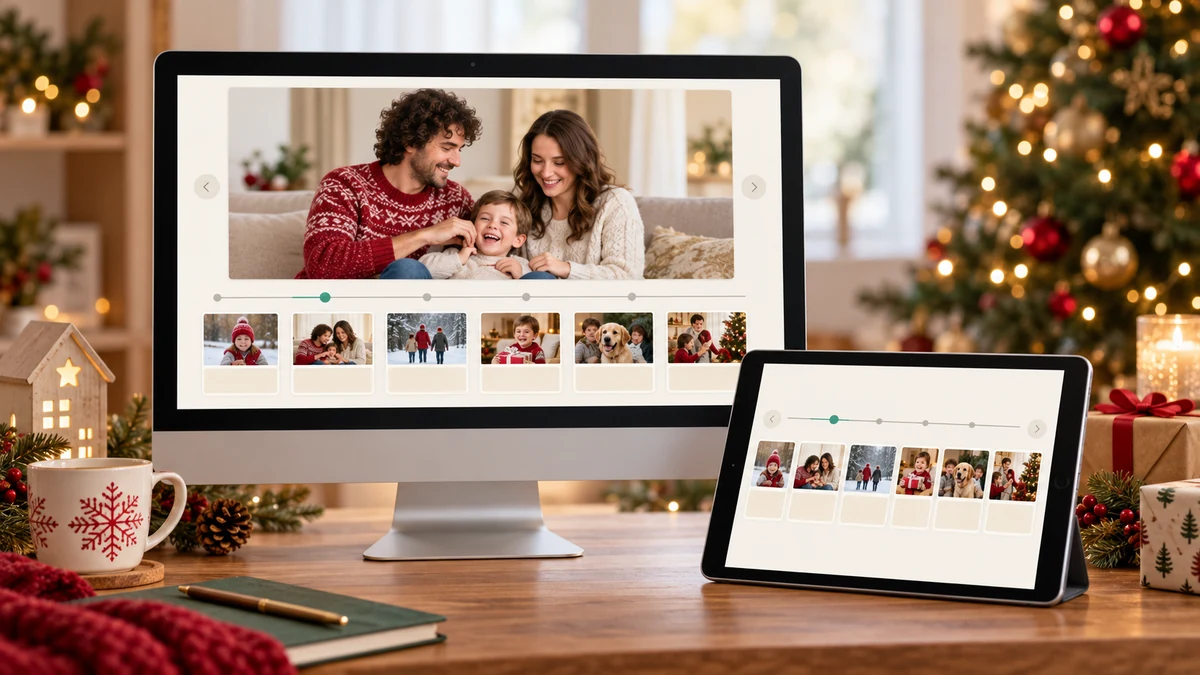
Useful tools and resources include basic layout software, a scanner or camera, and somewhere to keep organised copies. A specialist timeline app is optional; reliability and ease of use matter more than extra features.
Templates and simple layouts
A template can save time, but you can also make your own with a heading, date, image and caption repeated for each entry. Choose readable type, good contrast and enough space for the story. Check any template’s licence before sharing it publicly.
Working on a phone or tablet
A phone or tablet can help you photograph documents, collect captions and assemble a basic album. Specialist tools vary in device support and features, so check compatibility rather than assuming that a desktop or web application has a mobile equivalent. Test a small sample before committing the whole collection.
Editing copies of photographs
Photo-editing software can help straighten a scan, crop a copy or adjust brightness. Preserve an unchanged master file and label edited versions clearly. Avoid changes that alter the meaning of a historical image; a restoration should not be presented as an untouched original.
Storing files and keeping backups
A private cloud folder can make collaboration easier, but it is not a guarantee against loss. Keep an additional backup in a separate location, use strong account security and check sharing permissions. Export the finished timeline in a widely readable format so it is not tied to one service.
Finding further guidance
Library and archive guidance can help with handling photographs and recording family history. Tutorials may offer layout ideas, but check that instructions match the tool you actually use. You do not need to copy someone else’s design to make a useful collection.
Creative ways to present your timeline
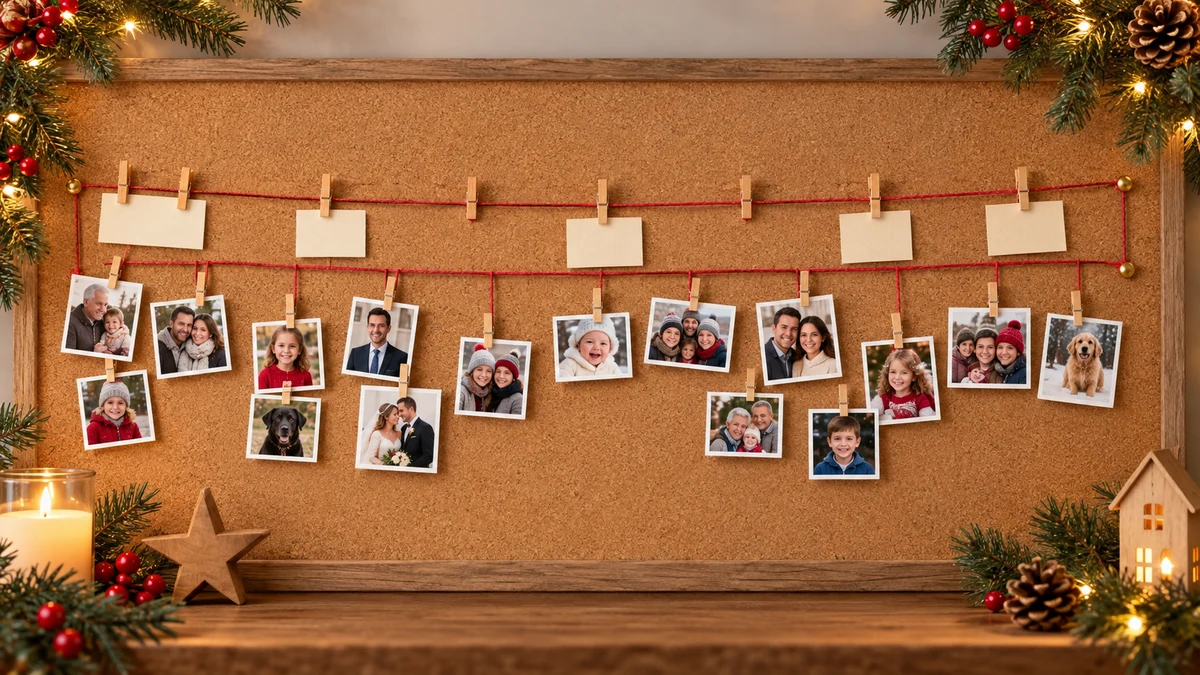
These presentation ideas offer different ways to browse the same material. Choose one that suits your audience, available space and the amount of maintenance you want to do.
A board or wall display
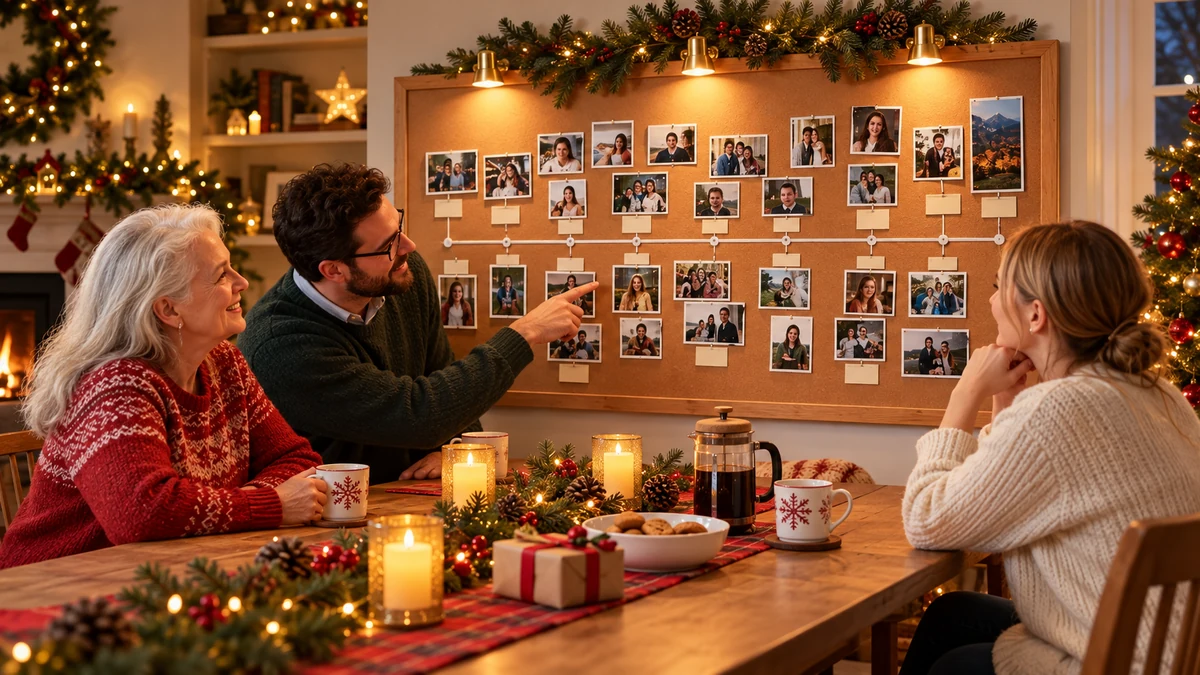
Arrange copies of photographs and captions on a board in date order. A ribbon can connect the entries, with room for additions. Keep original photographs out of direct sunlight and away from adhesives, heat and damp; use reproductions for a seasonal display.
An interactive digital timeline
A digital timeline can let readers open an entry for more photographs or a longer account. Before choosing a service, check whether entries can remain private, whether relatives need accounts and whether you can export the material. A clickable slide presentation may be sufficient.
A printed photo album
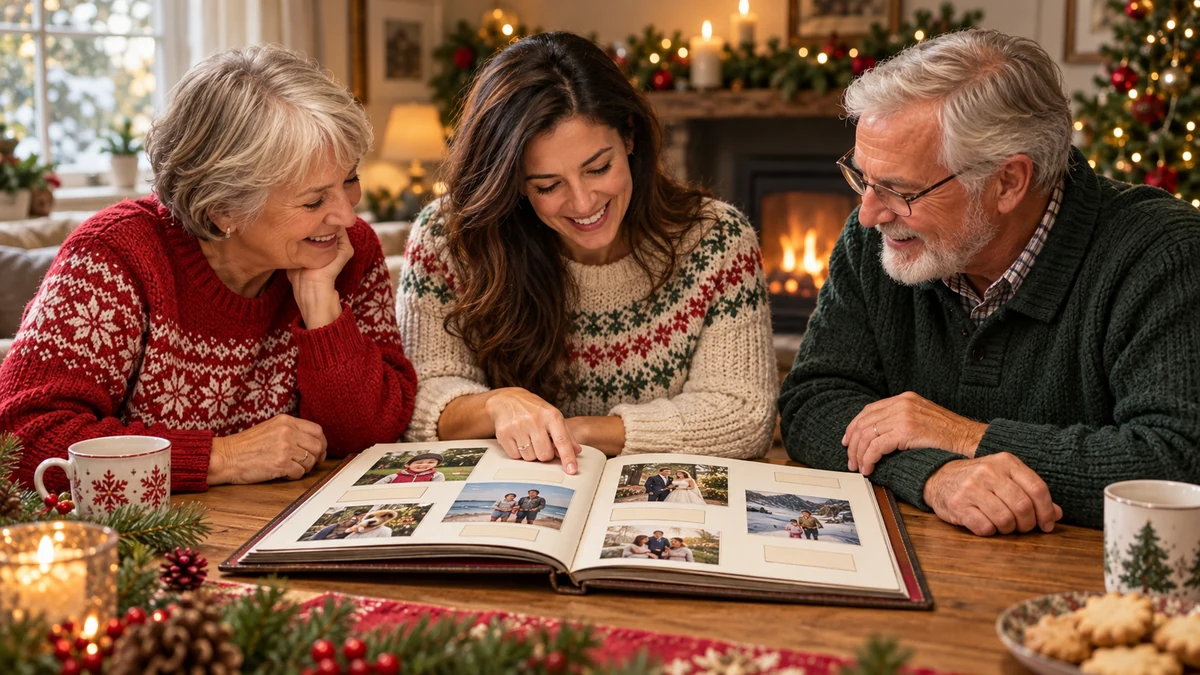
Give each year or event a page or spread, with photographs and short descriptions. Use copies and suitable storage materials if assembling it by hand. Include a title page explaining the scope of the collection and a note about approximate dates.
A narrated slideshow
Combine photographs and short clips with spoken memories or captions. Keep the pace comfortable and include subtitles where possible. Use music you have permission to include, and obtain consent before sharing someone’s voice or image beyond the family.
A shared viewing session
For relatives who live apart, screen-sharing during a video call can be a simple alternative to a public online exhibition. Invite comments and note corrections afterwards. Do not record the session unless everyone taking part agrees.
Involving relatives without creating pressure
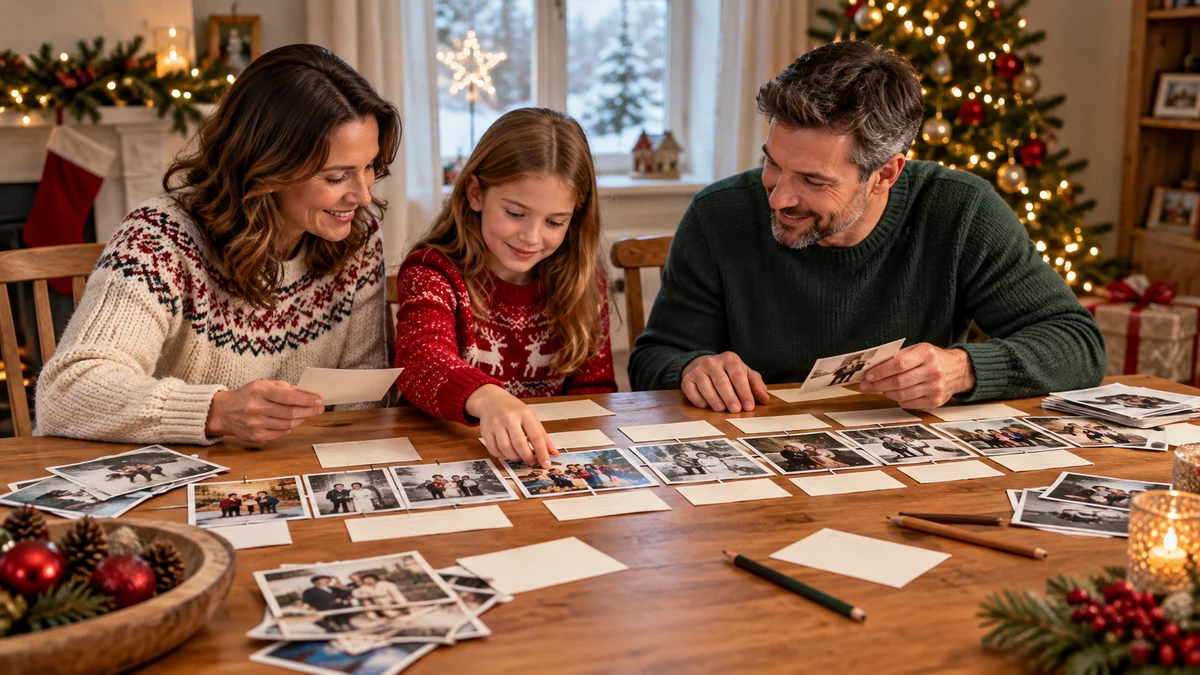
There are several ways to invite contributions while respecting people’s time, privacy and interest. Participation can be as small as identifying one person in a photograph.
Arrange an informal gathering
Invite people to bring copies of photographs or a few remembered stories. Explain how the material will be used and who will see it. Allow people to leave out topics they do not want included.
Share small tasks
One person might organise files, another check dates and someone else work on the layout. Agree on a simple naming system and keep a record of who supplied each item. No one needs to take responsibility for the entire project.
Use a private shared space
A private message group or restricted folder can help contributors exchange pictures and notes. Check who has access, ask before forwarding material and avoid uploading documents that reveal addresses or other sensitive details unnecessarily.
Make the display together
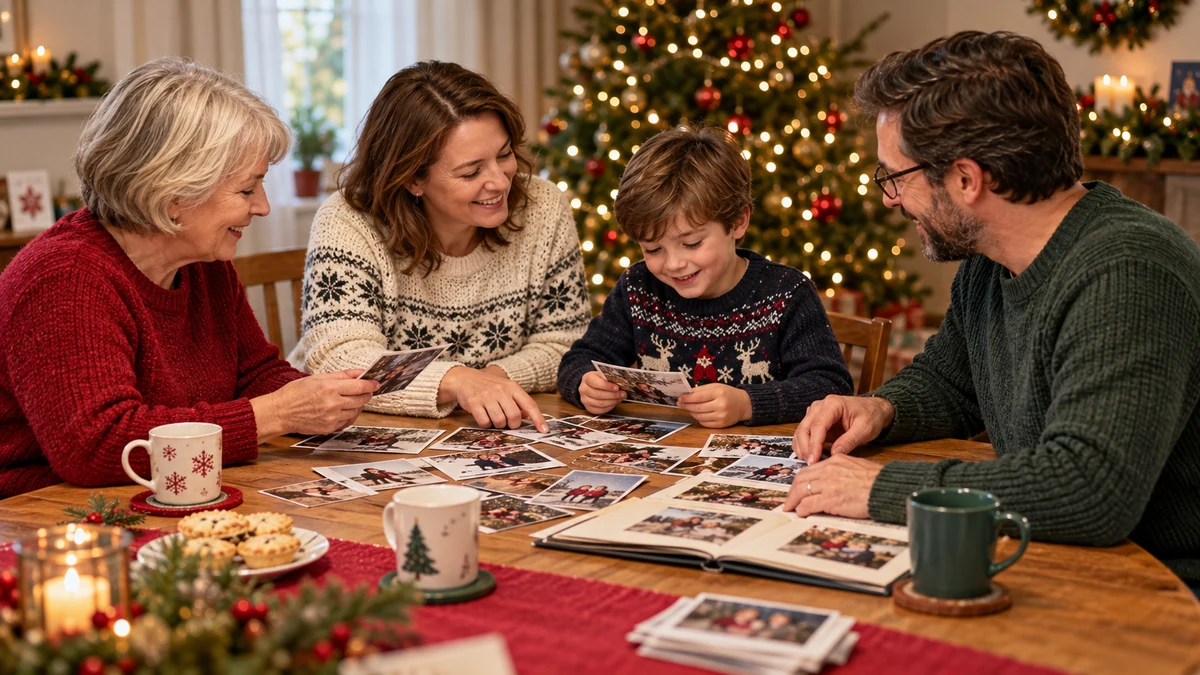
A short craft session can be an enjoyable way to arrange printed copies and captions. Let children contribute drawings or choose colours with appropriate supervision. Keep scissors, small fittings and valuable originals under adult control.
Record the stories behind the pictures
Ask open questions about what people remember: who was there, what happened and why the occasion mattered. Write down whose account it is. Where recollections differ, retain those differences respectfully instead of treating one memory as established fact.
Possible themes for your timeline

A clear theme can make selection easier. These theme ideas can stand alone or become sections within a wider family collection:
Family history
Include selected milestones such as a wedding, a move or the arrival of a new family member. Explain how each event connects with later celebrations. Ask permission before including information that someone considers private.
Annual celebrations
Focus on Christmases, birthdays or other recurring gatherings. Comparing similar occasions across several years can show changing traditions, places and participants without requiring a complete history of the family.
Family trips
If travel is part of your family’s story, include photographs and short accounts of particular journeys. Record places accurately and avoid publishing details that reveal current travel plans or private addresses.
Important changes
Graduations, new jobs or major moves can explain turning points. Let the people involved describe what those changes meant to them, and do not assume that every milestone was straightforward or happy.
Everyday life
A timeline can also celebrate ordinary routines: shared hobbies, cooking or a favourite walk. These small details may be especially useful to future readers trying to picture everyday family life.
A family timeline you can keep building
A timeline brings photographs and stories into an order that makes them easier to understand. Inviting contributions can add context and different perspectives, while careful labelling helps preserve what is known and what remains uncertain.
Start small, keep backups and use copies for displays. A readable, well-organised collection is more valuable than an ambitious project that becomes difficult to maintain.
Choose a few entries, add dates and captions, then invite relatives to check them. You can build on that first version as more material becomes available.
Frequently asked questions about family celebration timelines
Why create a family timeline?
It puts photographs and stories into date order and adds context for future readers. Captions, contributors’ names and notes about uncertain dates help make the collection useful.
How can I involve relatives?
Invite small, optional contributions such as identifying a photograph, checking a date or sharing a memory. Explain who will see the material and respect requests to keep information private.
Which themes work well?
Christmas gatherings, other annual celebrations, trips, important milestones and everyday routines can all work. Choose a manageable theme rather than trying to include everything at once.
Do I need a specialist timeline app?
No. A document, slide presentation, printed album or display board can be enough. If using an online service, check its privacy, costs and export options first.
How can I make the timeline more engaging?
Use clear photographs, short captions and stories that explain each event. A narrated slideshow or clickable presentation can add variety, but readable text and useful context remain the priority.
What if I have few older photographs?
Include attributed memories, drawings or copies of cards and other documents. Mark approximate dates and distinguish an illustration from a historical photograph. Recent entries can become a starting point for the future.
Sources and Further Reading
- Care of Photographs — Library of Congress
- Storing Family Papers and Photographs — US National Archives