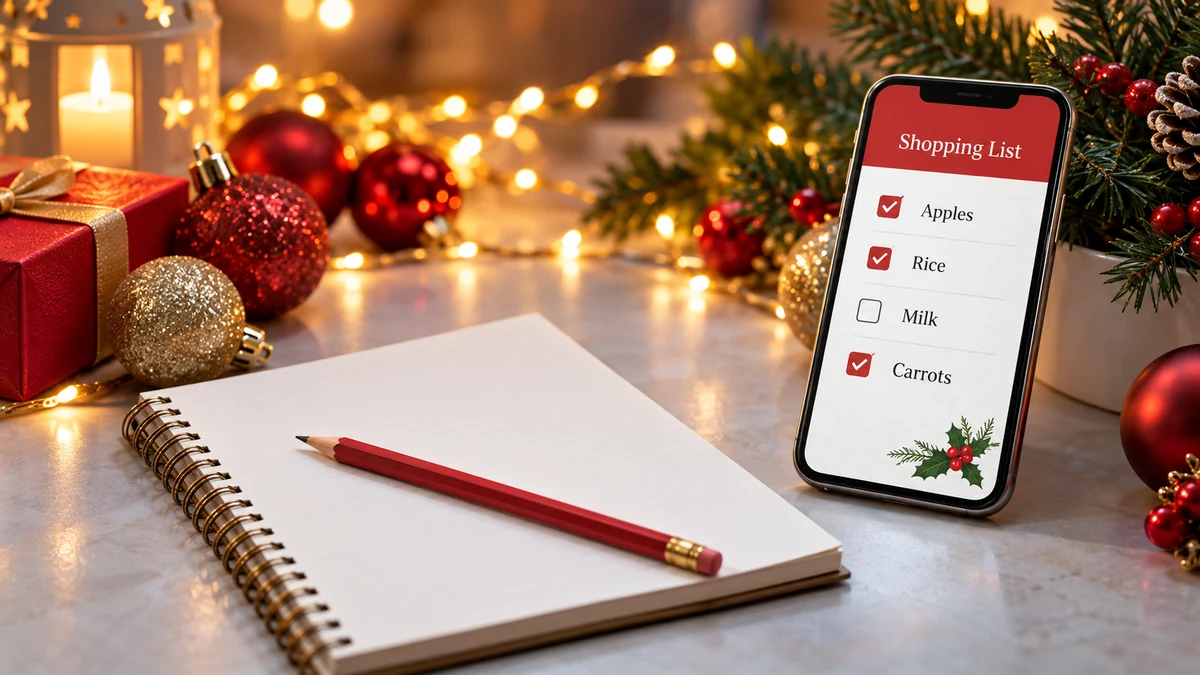
A practical shopping list can help organise planned purchases, reduce duplication and keep quantities visible. Digital tools may make sharing easier, but a list works best alongside an affordable budget and a check of what you already own.
Digital Christmas shopping lists can make a busy season easier to organise. You do not need a complicated app: a clear list of planned items, quantities and price limits can be enough to guide more deliberate purchases.
Why use a shopping list?
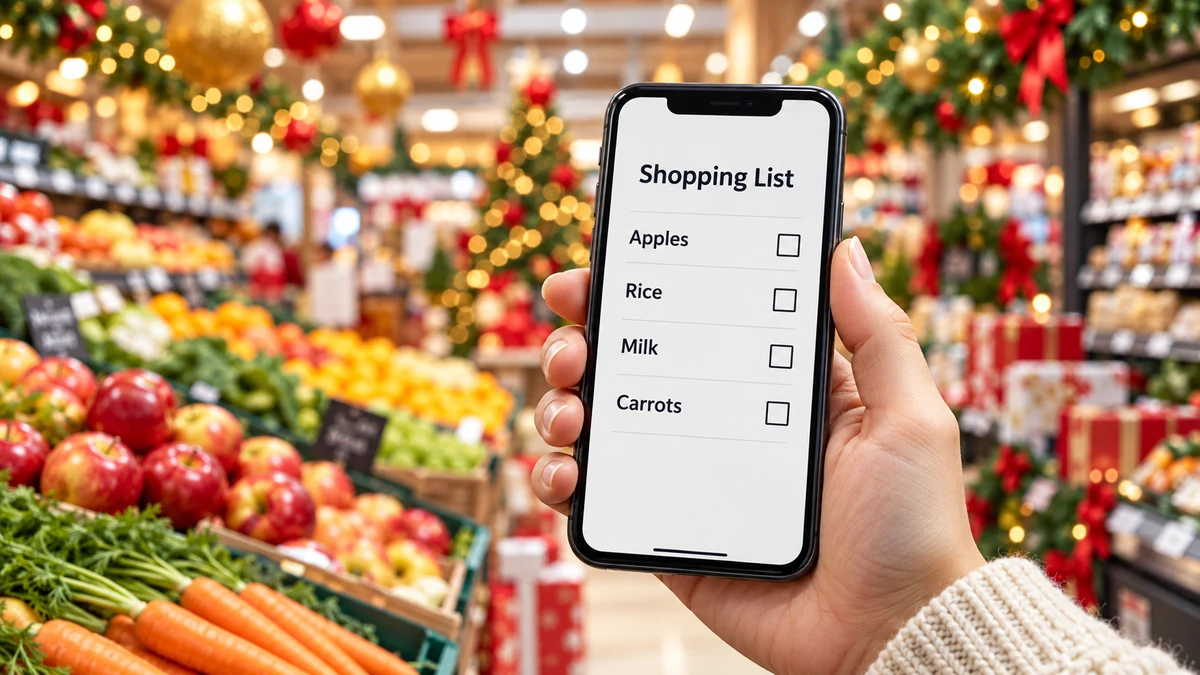
A list can make shopping more deliberate by recording what you intend to buy before browsing. It can reduce forgotten items or duplicates, although it cannot guarantee that you will never overspend.
Grouping purchases can make the trip more organised. Categories such as food, gifts and household supplies help you see what is needed without repeatedly searching through an unstructured note.
Writing quantities alongside items can also reduce waste. Check cupboards and the fridge first so food does not get forgotten while you buy more of the same.
Review the list before shopping. Remove optional items that no longer fit the budget and consider suitable alternatives. A shorter list may be the most useful adjustment.
A phone note or a suitable shared-list tool can keep the information handy. If others are shopping too, agree who buys what and how purchases will be marked off. Paper is a valid alternative if it is easier to use.
Build a useful list

Begin with a check at home. Look through supplies, the fridge and any gifts already bought. Note expiry dates and storage needs before adding more items.
Group products into categories such as perishable food, cleaning supplies and presents. Adapt the order to the shop if helpful, while keeping food separate from cleaning products during packing.
A suitable list app may allow quick changes or sharing, but features depend on the product and plan. Check current availability, privacy and any charges before using it. Do not store sensitive financial details in a shared shopping note.
Highlight genuine needs and distinguish them from optional extras. Keep household essentials ahead of festive purchases, and use the list to question promotions rather than add everything on offer.
Check the list once more before leaving or placing an order. Include quantities, acceptable substitutions and price limits where useful, then remove anything you no longer need.
Practical ways to reduce shopping costs
These practical ideas start with a realistic shopping list. The aim is useful purchases at affordable full prices, rather than buying the largest number of discounted items.
Check offers and discounts only against planned purchases. Black Friday or a supermarket promotion does not guarantee the lowest price. Compare the exact product and include delivery or membership costs.
Buying larger quantities can sometimes reduce unit costs, but not always. Compare the price per suitable unit, available storage and how much you will actually use. A smaller pack can be better value if it avoids waste.
Cooking at home may help with costs and ingredient choices, depending on the recipe, energy costs and your circumstances. It is not automatically cheaper or healthier. Choose manageable meals and follow safe food preparation and storage guidance.
Comparison tools may offer useful information, but coverage and accuracy vary. Check full prices with the seller and avoid adding an unwanted item simply because an app highlights it.
How a list can help reduce waste
A shopping list can help reduce waste when it reflects actual needs and quantities. Start with what is already available and avoid buying food without a realistic plan to use it.
Plan manageable meals and write down the ingredients needed for the expected number of people. Allow for dietary requirements and safe ways to use leftovers rather than assuming every extra portion will be eaten.
Offers can encourage buying more than needed. Check storage space, use-by dates and likely use before accepting a larger pack or multi-buy. A low unit price does not help if part of the purchase is discarded.
A clear list can improve shopping organisation by reducing repeated browsing. Keep it flexible enough for unavailable items, but pause before replacing them with a more expensive or unnecessary alternative.
Afterwards, note what was used and what remained. Use that information to improve quantities next time, while checking food safety rather than keeping leftovers indefinitely to avoid waste.
Choosing digital tools for shopping
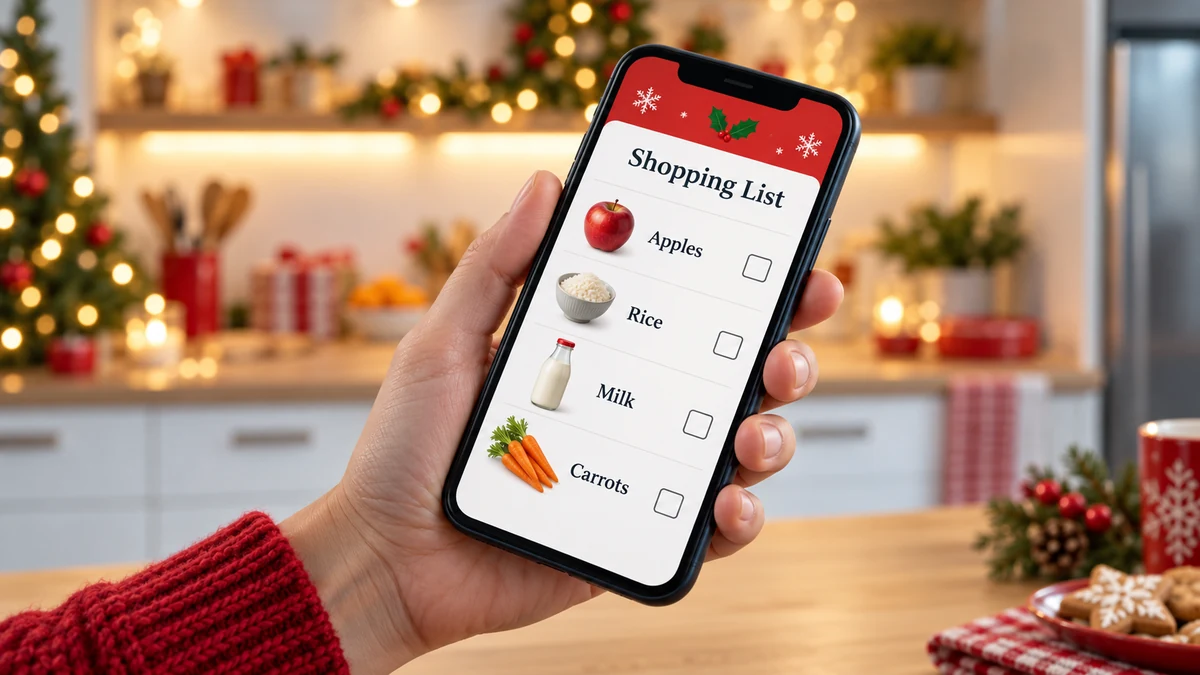
Different digital tools serve different purposes: making notes, sharing lists, comparing prices or planning meals. This guide does not claim to have tested or ranked particular apps, and features can change.
A basic notes or checklist tool may already be available on your phone. Check whether it supports the categories, tick boxes or reminders you need before installing another product.
A price comparison service may help check an item across participating sellers. Confirm its UK coverage, whether the exact product is listed and whether delivery, loyalty requirements or sponsored results affect the comparison.
A meal-planning tool may help connect recipes with a list of ingredients. Check any suggested recipe for dietary suitability, quantities and food safety rather than assuming automatic suggestions are always appropriate.
Some supermarkets offer their own apps or loyalty tools. Check current terms, data use and prices, and compare the total rather than buying additional products to unlock a coupon.
Choose the simplest tool that fits the task. A paid subscription is not required for a useful shopping list, and sharing should be limited to the people who need access.
Keep the list useful and the plan affordable
Lists and suitable tools can make planned purchases more visible. Combined with a budget and a check at home, they may help reduce duplication and unnecessary spending.
Record what you need, in what quantity and at an affordable price. Technology should support those decisions, not replace them or become another source of promotional pressure.
Review the list before and after shopping, and adapt it as circumstances change. A simple note you consistently use is more valuable than a complicated app you find difficult to maintain.
Start with the tools you already have and a short, realistic list. Keep essential needs and the overall budget in view as the festive season approaches.
FAQ: digital shopping lists
How can a shopping list help me spend less?
It makes planned purchases and quantities visible, helping you question duplicates and unplanned extras. It works best with an affordable budget and a check of existing supplies.
What can shopping apps help with?
Depending on the tool, they may support lists, sharing, reminders or price comparisons. Check current features, coverage, privacy and costs; no app guarantees the lowest price or an affordable total.
How can meal planning reduce waste?
Planning suitable portions helps you buy the ingredients you expect to use. Check existing supplies, dates and storage arrangements, and follow safe guidance for leftovers.
How should I organise the list?
Use categories such as food, household supplies and gifts, adding quantities and price limits where useful. Agree who buys each item if the list is shared.
Why review the list before shopping?
A final check can reveal missing quantities, duplicate purchases or extras that no longer fit the budget. It also allows you to check what is already available at home.
Where can I check offers?
Check trustworthy retailers’ current information or suitable comparison tools. Include delivery and any loyalty conditions, and do not assume a supermarket app compares all competing shops.