
To make a Christmas playlist, start with the people and occasion, choose a mix of familiar and newer songs, and arrange them to suit each part of the gathering. Test the sequence and volume, then share the playlist using your chosen service’s own tools.
Thinking about how to make a Christmas playlist? A little planning can give your celebration a welcoming soundtrack, whether you want quiet music over dinner or a few songs everyone knows. Here is a practical way to choose, order and share the music.
Choose a Theme for Your Playlist

Decide how the music will fit the occasion. A classic theme might centre on carols and familiar recordings, while a pop-focused selection can mix festive favourites from different decades. You can combine the two rather than committing to one style all evening.
For a family playlist, ask people of different ages for a favourite song. Include music the children enjoy alongside older relatives’ choices, and listen to unfamiliar tracks beforehand to check their content and suitability.
A background playlist can focus on gentler recordings for conversation, cooking or opening presents. Instrumental versions may work well here. A clear purpose helps you avoid a selection that jumps unpredictably between very different moods.
Treat the theme as a guide, not a strict rule. Some guests enjoy carols, others prefer secular songs, and some may appreciate a quiet break. Plan around your own gathering rather than trying to create a universally perfect soundtrack.
Familiar Christmas Songs to Consider

A few familiar songs can make a useful starting point. No track is compulsory: choose versions you and your guests enjoy and avoid filling the list with several recordings of the same song unless that is intentional.
Silent Night can suit a quieter moment. Known in Portuguese as Noite Feliz, it is an example of a song that can connect a multilingual family’s Christmas traditions.
Happy Xmas (War Is Over) offers a different kind of seasonal favourite. If your family knows a Portuguese adaptation, you could include it too, while identifying the recording correctly in the playlist.
Jingle Bells brings a livelier option, with many arrangements to choose from. Pick one that fits the pace and style of the surrounding tracks.
You might also try Deck the Halls or We Wish You a Merry Christmas. These are starting points for browsing, not a requirement to include every familiar carol.
A recognisable song can bring back memories for some listeners, but everyone’s associations are different. Asking guests for a suggestion can be more useful than assuming which music they will love.
Add Newer Recordings and Pop Favourites

Newer recordings can add variety, provided they fit the occasion. They do not have to be current chart hits. A song that is new to your family may be just as interesting as a recent release.
Mix established pop favourites such as Last Christmas with later songs such as Santa Tell Me. These are distinct songs, not simply modern remixes of traditional carols. Listen to the particular recording you plan to use.
Artists including Michael Bublé and Pentatonix have recorded Christmas music in different styles. Browsing their seasonal releases can help you combine a familiar repertoire with a different arrangement.
Christmas recordings by Mariah Carey or Justin Bieber offer other pop options. Choose tracks for their fit with your playlist rather than relying on unverified claims about what is currently topping the charts.
Consider the style of the gathering. Acoustic versions may suit a quieter meal, while pop or funk-influenced arrangements may work later. Check unfamiliar lyrics and versions before playing them around children.
Balance the Pace

A varied playlist can move between gentle and lively music without feeling random. Think about the different parts of your celebration and leave space for conversation as well as listening.
Begin with gentler tracks if you want a calm welcome. A suitably arranged version of Have Yourself a Merry Little Christmas or O Holy Night could fit that section.
Later, add more upbeat songs if people want livelier music. Feliz Navidad and Jingle Bell Rock are possibilities, depending on the recordings and your guests’ preferences.
You can alternate between pop, rock and traditional Christmas music. Grouping a few compatible tracks together often works better than changing style abruptly after every song.
Follow the flow of the gathering. If people are talking, do not turn up the volume simply because the room seems less energetic. If they want to dance, move to that part of the list; a quiet interval is also fine.
A balanced selection can support the celebration without dominating it. Keep the volume comfortable and give guests who prefer less noise somewhere to talk.
Arrange the Tracks
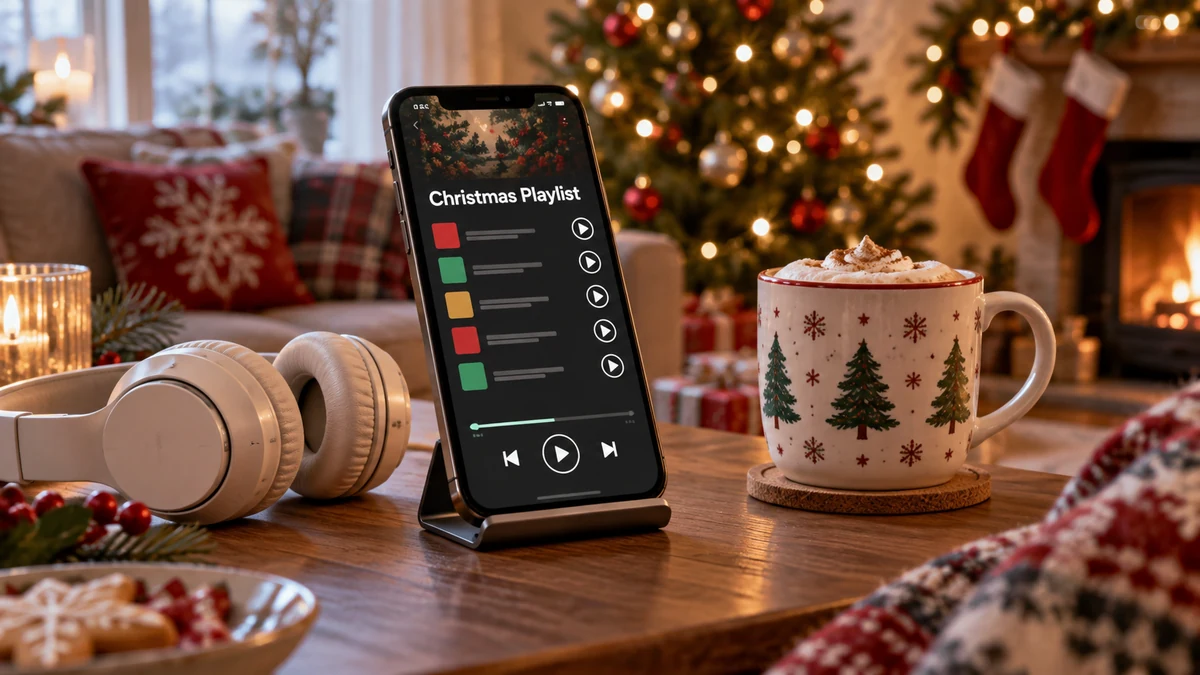
Once you have a shortlist, put the songs in an order that suits the event. A playlist for a long lunch may need a different shape from one made for an hour of dancing.
A few gentle, familiar recordings can welcome guests. A quiet version of Silent Night is one possibility, although you may prefer an instrumental opening if people will be greeting one another.
Introduce livelier tracks when they fit the occasion. Songs such as Jingle Bell Rock or Last Christmas could sit in a more upbeat section rather than interrupting a quiet meal.
Listen for comfortable transitions. Moving through an intermediate tempo can feel smoother than jumping straight from a slow solo to a very loud recording. Also check for large differences in recording volume.
Think about both pace and theme. You might start gently, move towards singalong or dance tracks, then finish more quietly. There is no technical formula you have to follow.
Test the playlist on the device and speaker you intend to use. Check the order, connection and account restrictions, and use any offline feature only as your subscription permits. Do not leave all of this until guests arrive.

Choose a playlist service that works for you and the people receiving the link. Playback, availability and collaboration can depend on accounts, subscriptions, regions and settings, so try sharing with one person first.
Spotify supports collaborative playlists, allowing invited people to add, remove and reorder tracks. Share an invitation only with the people you want to edit the list, and keep an ordinary listening link separate where appropriate.
YouTube lets you create and share video playlists. Use legitimate uploads and review the privacy settings. Sharing a playlist does not give you permission to copy recordings into a family video or upload copyrighted music yourself.
Apple Music provides playlist-sharing options for its users. Check how the recipient can listen with their account and device before relying on it for a group celebration.
SoundCloud offers sharing tools for public tracks and playlists, including music from independent creators. Check each recording’s availability and rights information; finding a track online does not mean it is free to reuse in another project.
Send the link privately or share it through a service such as Facebook or Instagram if you want a wider audience. Check what the link reveals about your profile. More clicks are not what makes a family celebration enjoyable.
Ready to Make Your Christmas Playlist?
Start with a manageable selection, listen through it and adjust the order. A playlist that suits your own guests is more useful than a long list assembled simply to include every festive hit.
Mix familiar recordings with a few discoveries, and use your chosen service’s sharing features if others want to listen or contribute. Leave enough flexibility to skip a track or lower the volume on the day.
The music is there to accompany the time you spend together. Once the practical checks are done, enjoy it without worrying about creating a flawless soundtrack.
FAQ — Making a Christmas Playlist
Spotify, YouTube, Apple Music and SoundCloud offer playlist-sharing tools. Account requirements, listening options and collaboration features vary, so check the service’s current help pages.
How can I include newer music?
Try a few newer songs or arrangements alongside familiar favourites. Listen first to check the style, lyrics and recording volume, rather than adding something only because it is popular.
Why does the order of the songs matter?
The sequence can help the music fit different moments, such as arrivals, dinner and dancing. Testing the order also helps you spot abrupt changes in pace or volume.
How can I make the playlist appeal to my guests?
Ask for a few suggestions and include different styles and eras. You cannot guarantee everyone will like every song, so remain flexible and keep the volume considerate.
What should I consider when choosing tracks?
Think about the occasion, guests’ ages and preferences, lyrics, recording volume and the length of the gathering. A quieter section or a break from music may be welcome too.
Can friends help build the playlist?
Yes, where the service supports collaboration. Spotify, for example, lets invited collaborators add, remove and reorder tracks. Share editing access thoughtfully and agree how the group will use it.
Sources and Further Reading
- Spotify — collaborative playlists
- YouTube — playlists
- Apple Music — playlists
- SoundCloud — playlists